1. ホームで New case を作成
ホーム画面で国籍、ビザ発給国、申請国と申請エリアを確認したあと、New case を押して自分の経路に合うビザまたはサービスを選択します。アプリは Admin が公開した Firebase タイムラインをそのまま読み込み、ケース詳細を表示します。
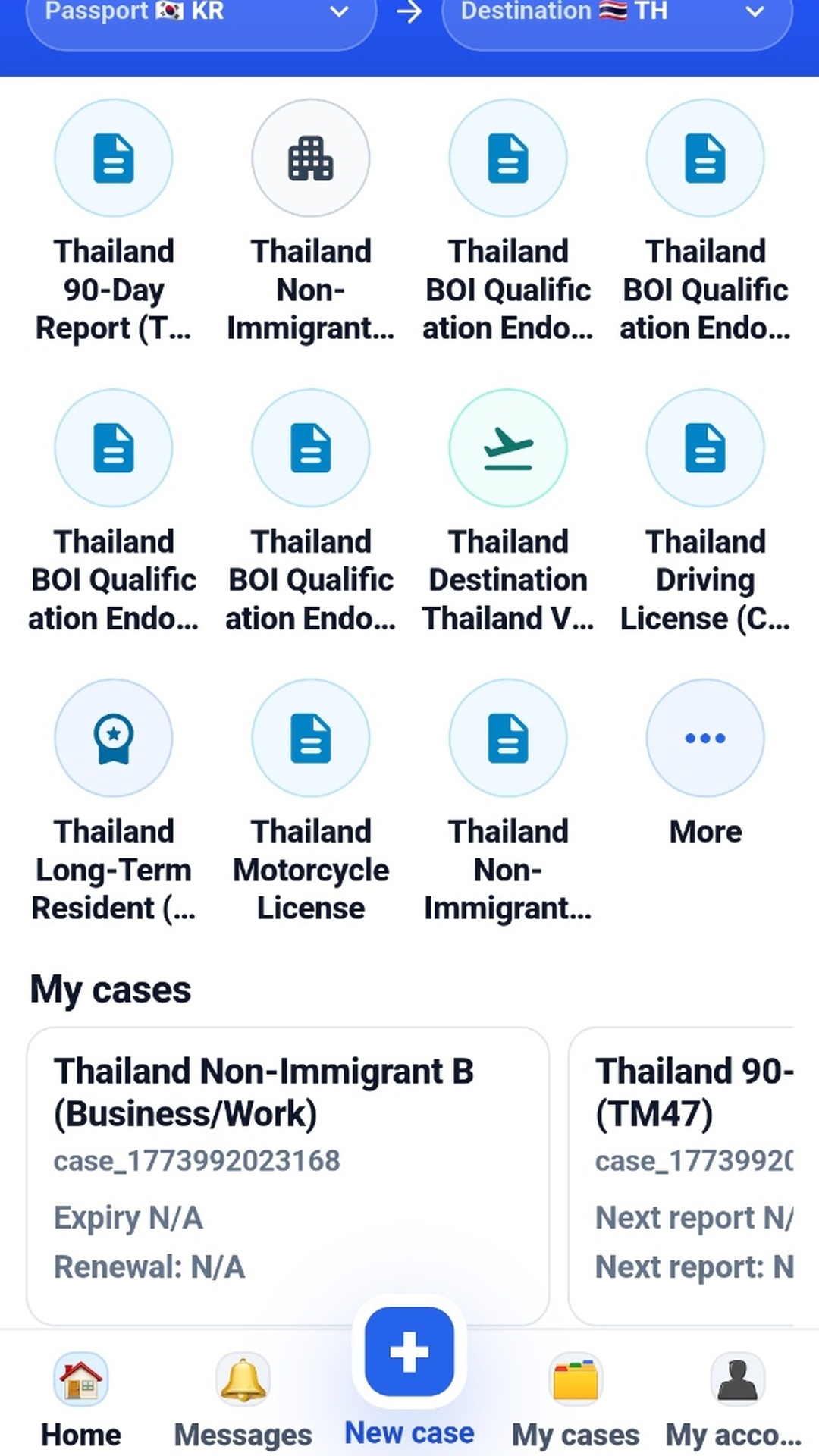
This guide explains the basic flow from choosing your route to opening a case, checking documents, and managing reminders in MY STAY VISA.
ホーム、New case、タイムライン、通知管理の基本操作を確認できます。
サポート サポートに連絡問い合わせ方法、対応目安、よくあるサポート項目を確認します。
ポリシー プライバシーポリシーアプリと公開ウェブでのデータ収集、利用、保管方針を確認できます。
ホーム画面で国籍、ビザ発給国、申請国と申請エリアを確認したあと、New case を押して自分の経路に合うビザまたはサービスを選択します。アプリは Admin が公開した Firebase タイムラインをそのまま読み込み、ケース詳細を表示します。
各ステップカードには、どこへ行くか、何を準備するか、何を提出するかが表示されます。場所、書類パック、選択した申請窓口が公開されている場合は、その内容がそのまま表示されます。
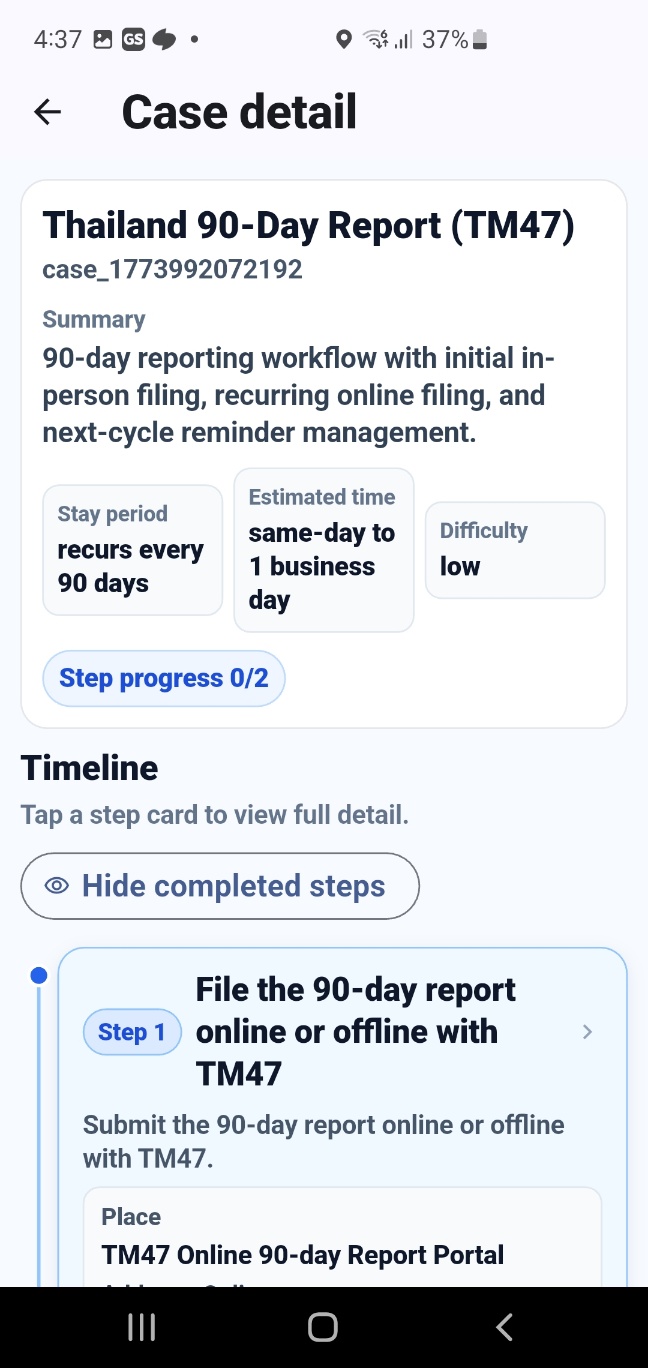
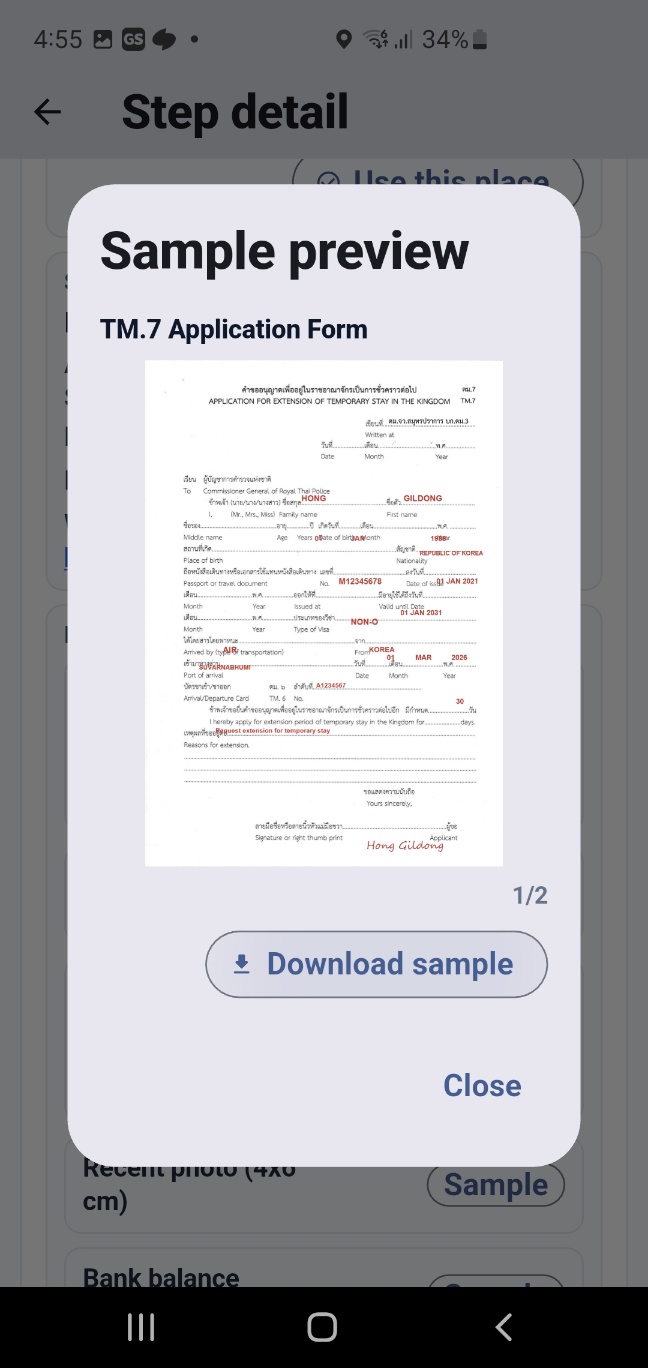
ケース詳細では、サンプル書類、提出書類、提出順序を見ながら、実際の申請段階に合わせて準備状況を整理できます。
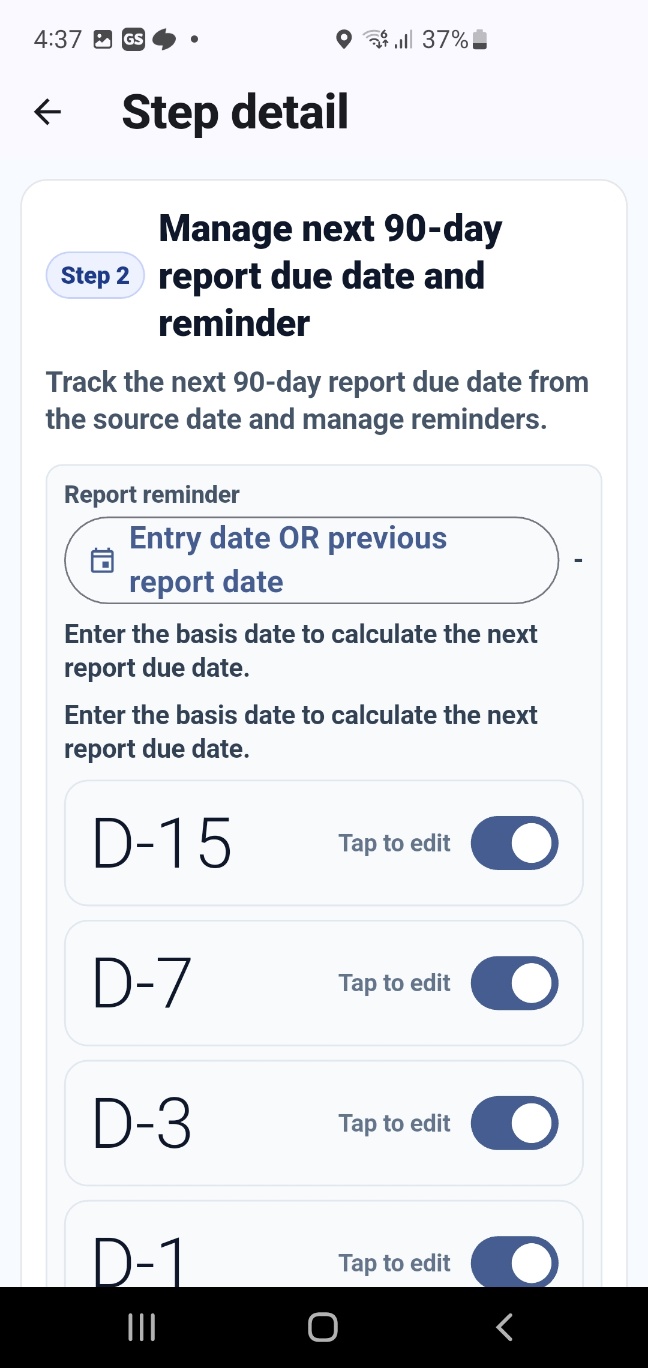
有効期限管理や 90 日報告が必要な経路では、公開されたステップ本文の下に通知設定 UI が表示されます。基準日を設定してリマインダーを有効にできます。
If you need privacy, support, or account deletion help, use the related public pages below.